Life runs better on good systems.
Let your space do some of the thinking.
So there's less for you to remember.
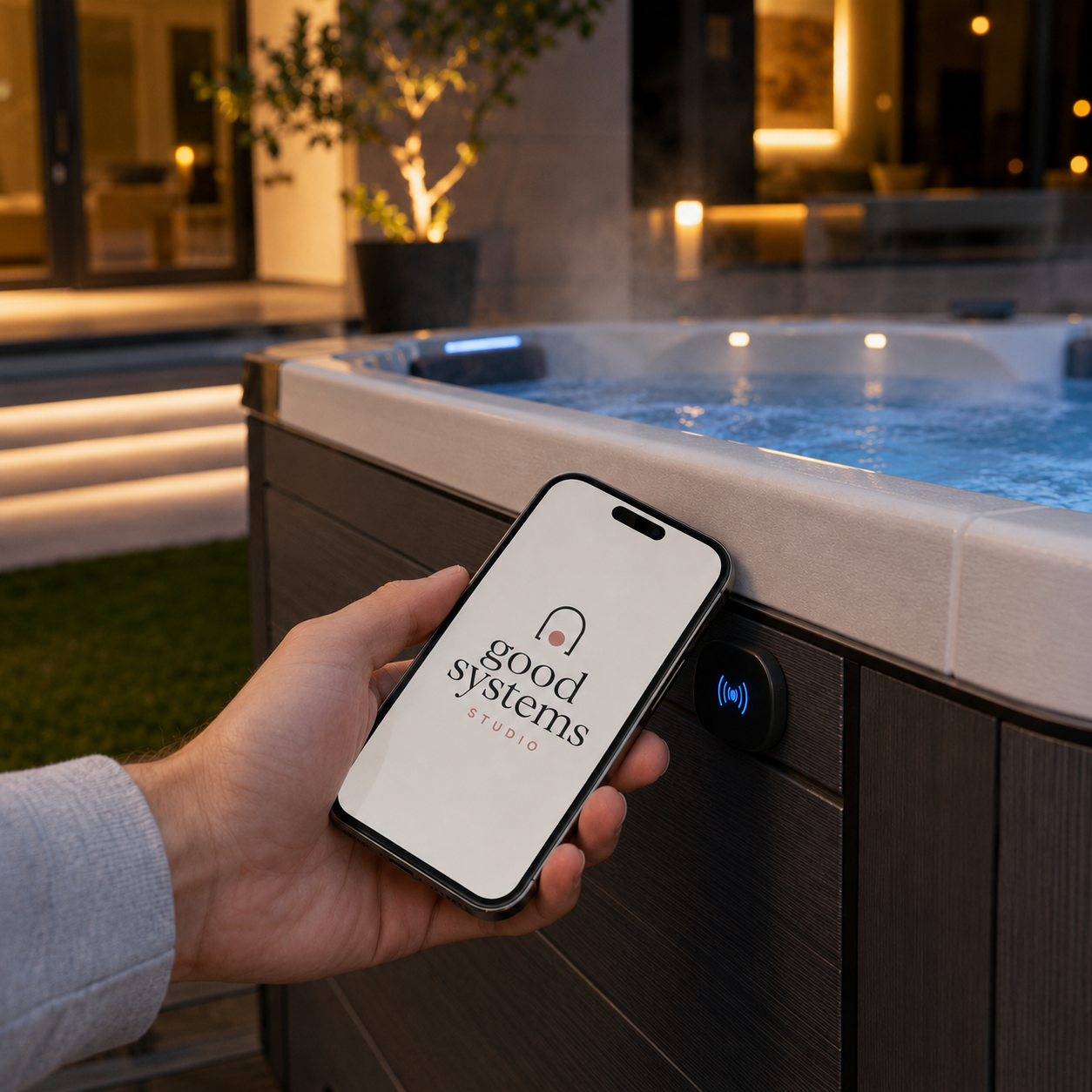
GoodSystemsStudio turns everyday objects into simple tap-to-use help. Each Knowledge Point is an NFC tag or QR code that opens a role-aware page — the right information, right where you need it.
Works on iPhone and Android. No app required for the visitor tapping the sticker.
Practical AI · Thoughtful Automation
Seamless Processes · Intuitive Spaces
Thoughtful systems. Better everyday.
The right information, right where you need it.
Stick a Knowledge Point on any object and it becomes a calm, clear interface for instructions, contacts, and reminders.
Support that's there when you need it.
Family members, guests, or carers tap to send a message, report an issue, or ask the assistant — without installing an app.
Helpful actions that make life easier.
Run low-risk automations like logging a task, notifying a helper, or triggering a smart home scene from a single tap.
Systems that care for people.
Each point shows only what the visitor is allowed to see: public, guest, member, employee, or manager.
Built for real places
Smart home automation, simplified
Connect your workspace to Home Assistant and tags become physical buttons for scenes, devices, and routines — while keeping every tap logged and permissioned.
How do NFC tags work for home automation?
Each tag stores a secure HTTPS URL. When someone taps it, the page checks who they are and runs the right action: show a guide, trigger a smart automation, or log an event.
Can I use this as a smart home hub?
Yes. GoodSystemsStudio works alongside Home Assistant, Hue, SmartThings, and generic webhooks — so your stickers can talk to the devices you already own.
Questions people ask
Do guests need an app?
No. Public and guest points open in any phone browser. Members and managers sign in for role-scoped actions and deeper automation controls.
What about Hue, SmartThings, and other platforms?
Home Assistant is supported first-class today, with generic webhooks and more integrations on the roadmap. Automations can call any service your home hub can reach.
Is it safe for older family members?
Yes. Tap pages use huge buttons, high contrast, and plain language. There's nothing to install and nothing to configure on their phone.
Can I change what a point does?
Absolutely. The URL on the sticker stays the same; you update the content, actions, and permissions from your workspace at any time.
Ready to make your space a little smarter?
Start with a free workspace, add your first Knowledge Point, and see how a simple tap can bring calm to a busy home.